INSTAVAR × CANOPY
Website launch proposal
A new Canopy website that helps customers choose, enquire and book.
S$8,800 covers five outlets, dining, weddings and corporate events, the August Changi showcase, six ready-to-publish social posts, a venue guide, a website staff can update without touching code, and reports showing what brings bookings and enquiries.
- Launch package
- S$8,800
- First website preview
- Within 2 weeks of access and content
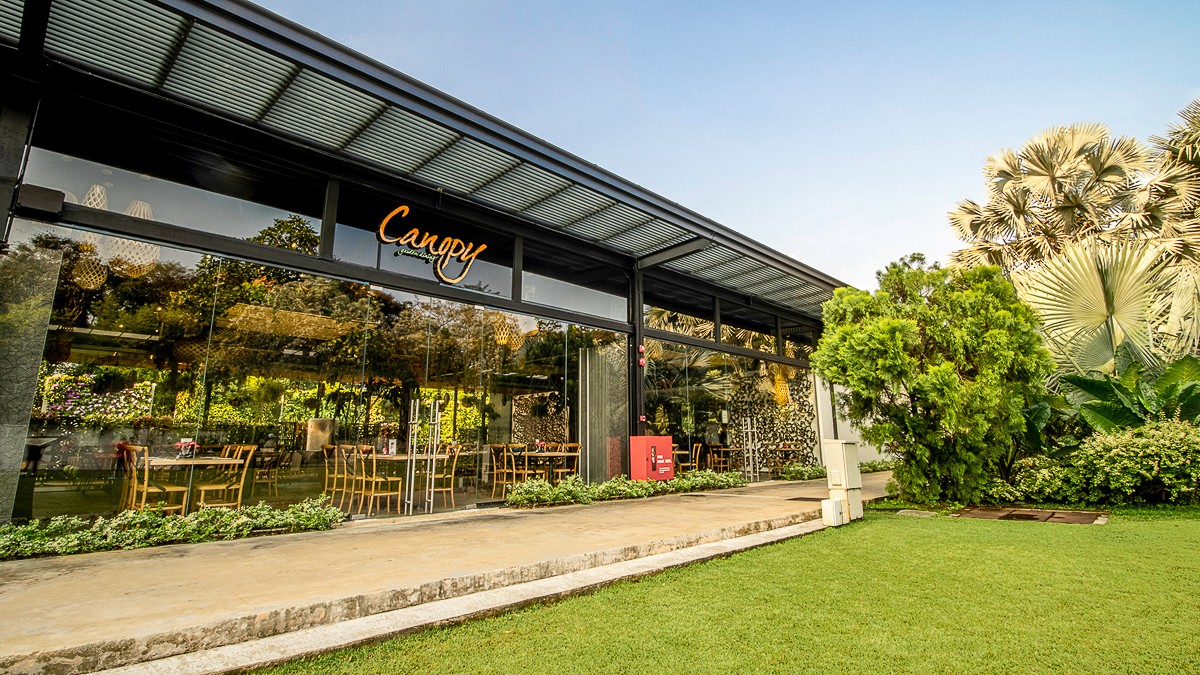
HortPark: garden wedding venue
Changi: August showcase venue
What Canopy receives.
One website for five outlets
Canopy's current pages, articles, menus, photographs and documents move across. Existing web addresses continue to work.
Bookings and event enquiries
Oddle handles restaurant bookings. Tripleseat handles wedding and corporate enquiries.
HortPark and Changi wedding pages
A garden-wedding page for HortPark, plus the August showcase page and six ready-to-publish social posts for Changi.
Three-question venue finder
Visitors answer three questions, see suitable outlets and enquire. Canopy gets the details, and the visitor gets an automatic email.
Simple editing for staff
Staff update outlet details, hours, menus, photographs and event information in a browser. Training is included, and Canopy owns the code.
Clear marketing reports
GA4, GSC and BigQuery show how visitors find Canopy. Reports keep visits, booking clicks and enquiries separate.
The six showcase posts will be ready for Canopy to publish. The package does not include advertising spend or daily campaign management, new photography or filming, daily social publishing, replacements for Oddle or Tripleseat, or invitation and RSVP websites for individual weddings.
Build, review and launch.
The current website stays live while the new one is built and tested. The first private preview will be ready within two weeks after the required access and final content arrive. Website problems caused by the launch are fixed for 30 days.
01
Provide access and final content
Provide BentoBox and domain access, current outlet information, approved photographs and clips, and the confirmed Changi showcase and venue-guide details.
02
Review the private preview
Review the working website and combine feedback into one list before final testing.
03
Test, launch and train the team
Check the venue guide, Oddle reservations, Tripleseat enquiries, automatic emails, visitor and enquiry tracking, mobile pages and old links. After approval, launch the website and train staff to change text, images, menus and event details.
Provide these four items to begin.
Work begins when these four items are available.
Website and domain access
BentoBox access, domain access and the current images and documents needed for the transfer.
Oddle, Tripleseat and Google access
Access to Oddle and Tripleseat, plus the Google accounts needed to set up Google Analytics 4, Google Search Console and BigQuery.
Showcase details
The confirmed Changi date, programme, offer and registration method, plus which outlets suit each event type, guest count and preferred setting.
Approved material and one reviewer
Existing photographs and video clips that Canopy may reuse, plus one person who can confirm facts, combine feedback and approve the launch.