More pixels did not recover the missing detail.
MicroZoom fit on a 24 GB GPU. Simple enlargement still preserved the held-out microscope structure more faithfully.
Two cascade stages
The model invented a plausible surface. The baseline kept more of the real one.
What MicroZoom does
MicroZoom creates extremely large images of one physical object. It learns from a full photograph and several microscope close-ups of that same object. The result can appear detailed even when someone zooms in far beyond the original photograph.
This is different from ordinary image enlargement. Bicubic and Lanczos make an image larger by estimating new pixels from nearby ones. They can smooth edges, but they cannot reveal a fibre that was never visible in the source.
MicroZoom can create new fine detail. That is its attraction and its risk. The detail may look right without being real.
Each object also needs careful preparation: a main photograph, aligned close-ups, masks that mark its parts, scale information, and short descriptions. MicroZoom is therefore a specialist production method, not a general enhancer for a folder of existing images.
It may suit product, material, art, or educational images where a convincing visual impression is the goal. It should not be used for scientific inspection, defect detection, evidence, or any task where invented detail could be mistaken for an observation.
The three results side by side
The clearest comparison starts with a tiny 27 by 27 pixel image. Each method had to turn it into a 1024 by 1024 pixel image and match a real microscope photograph that MicroZoom had not seen during training.
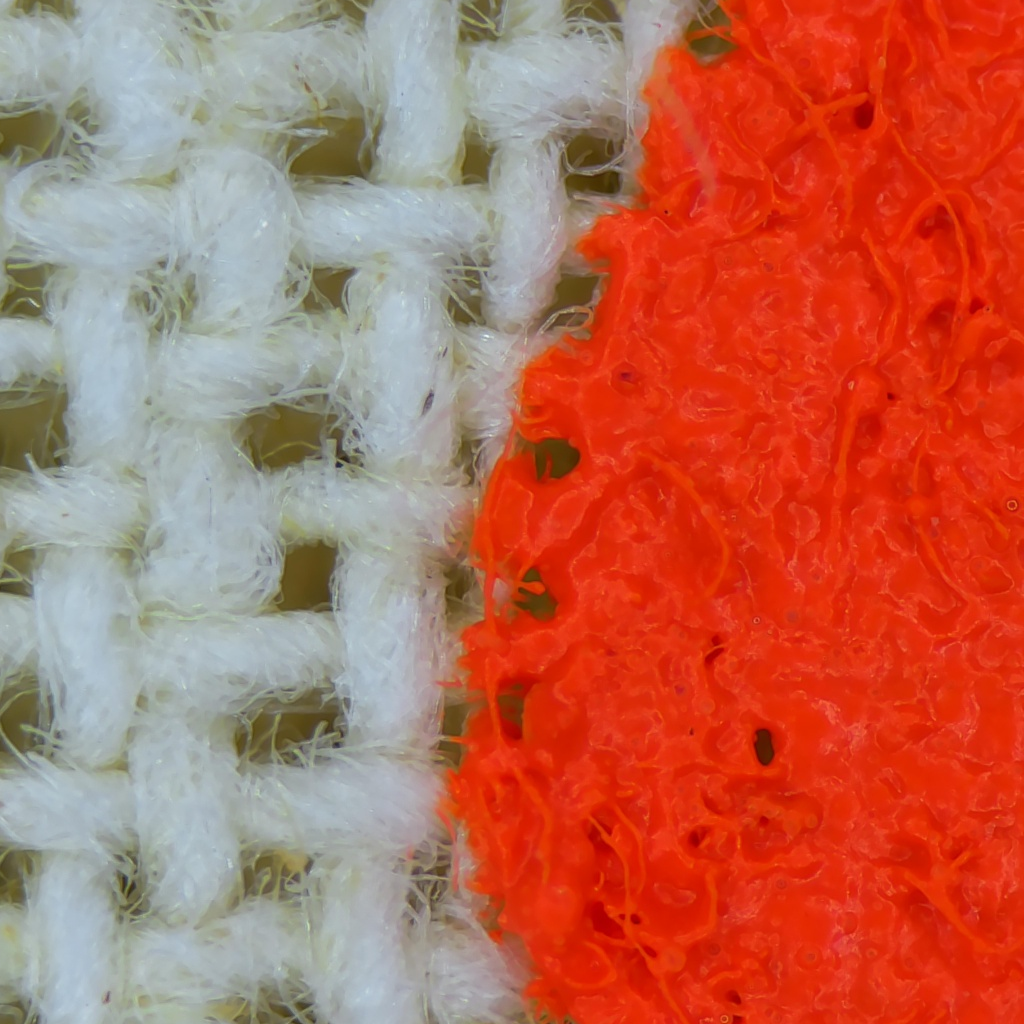
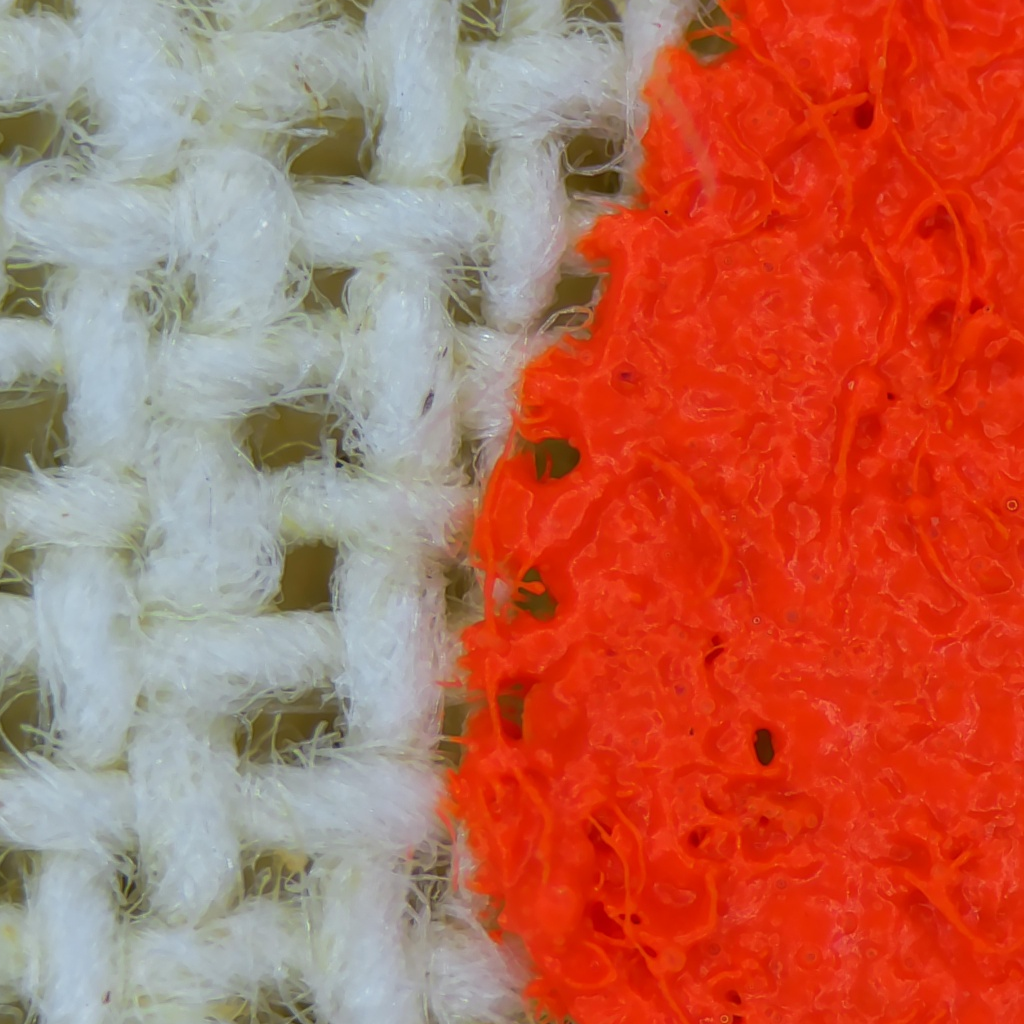
The real microscope photograph
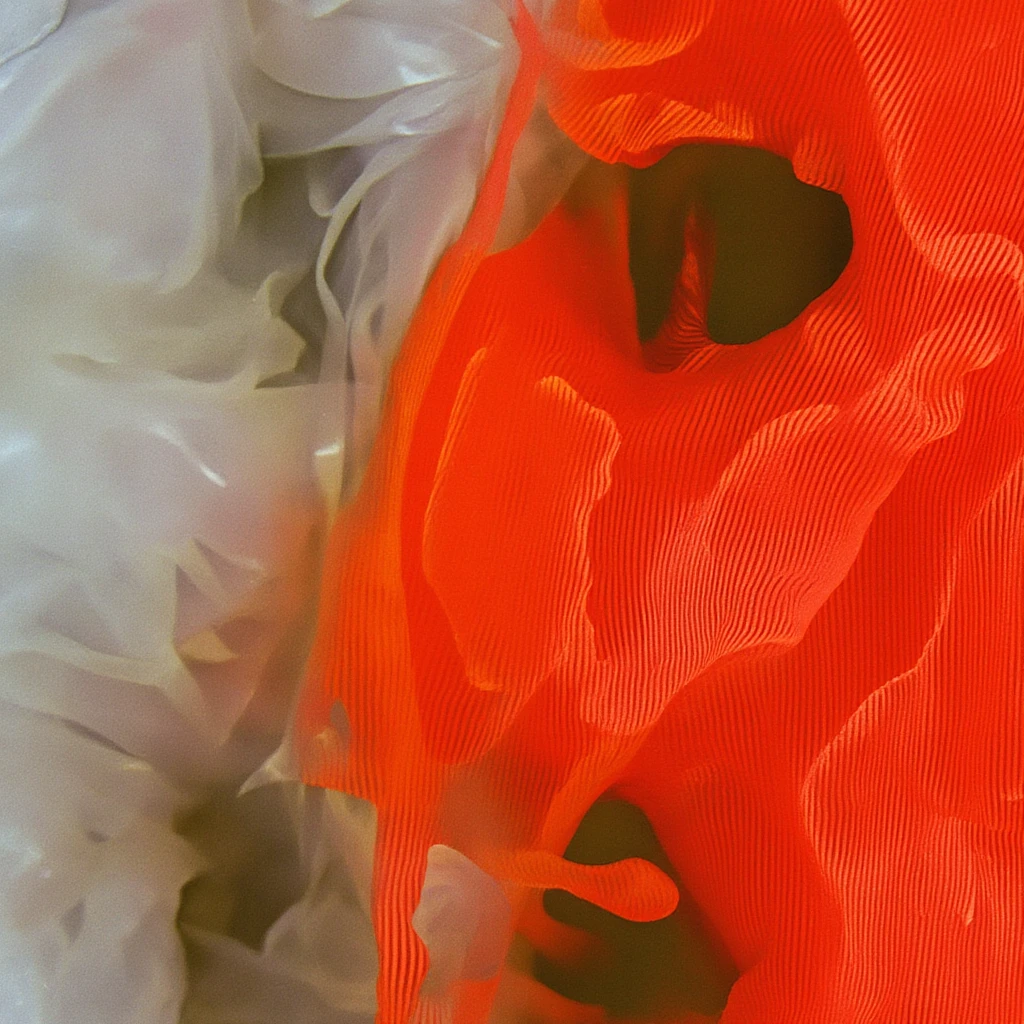
This is the target. The individual white and orange fibres are irregular and interwoven.
MicroZoom with a small trained adapter
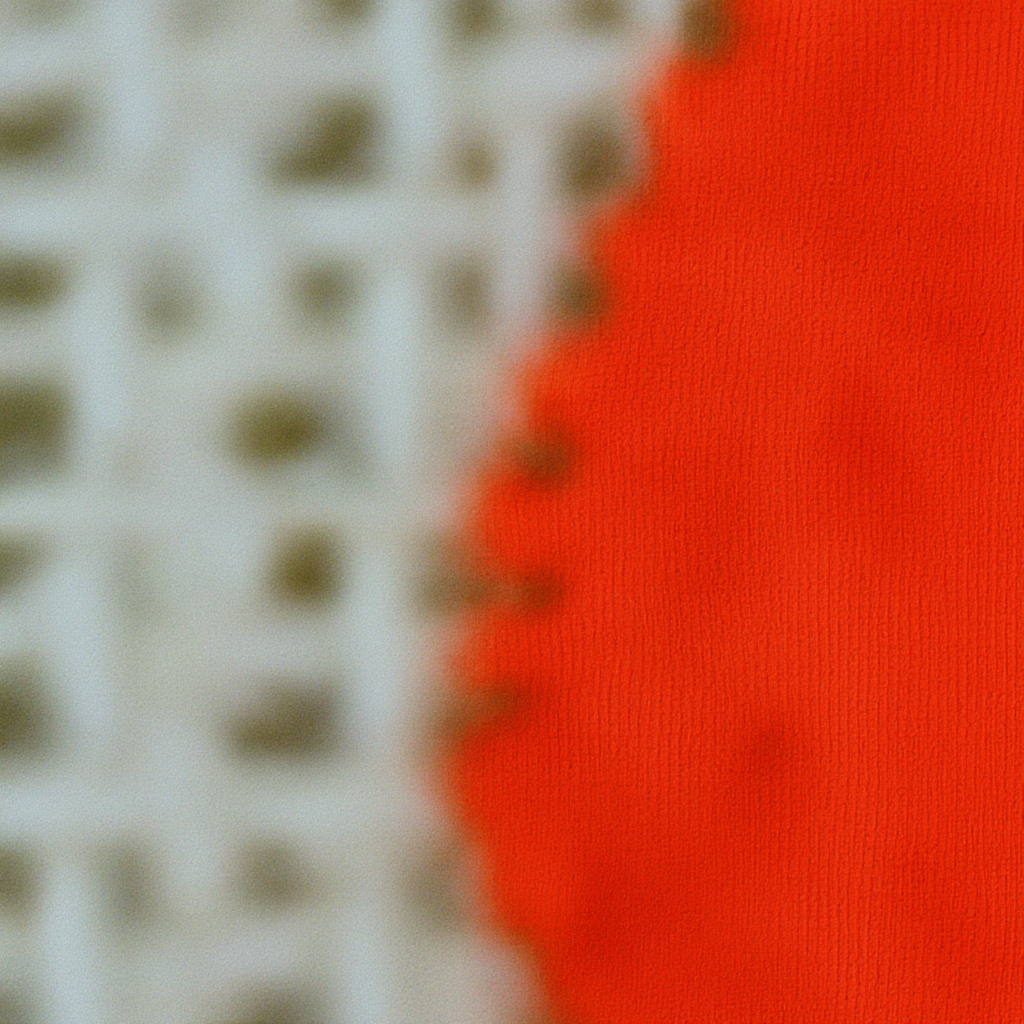
MicroZoom produces visible texture, especially in the orange area. It looks like a material, but it does not reproduce the fibres in the target. The model has drawn a plausible surface.
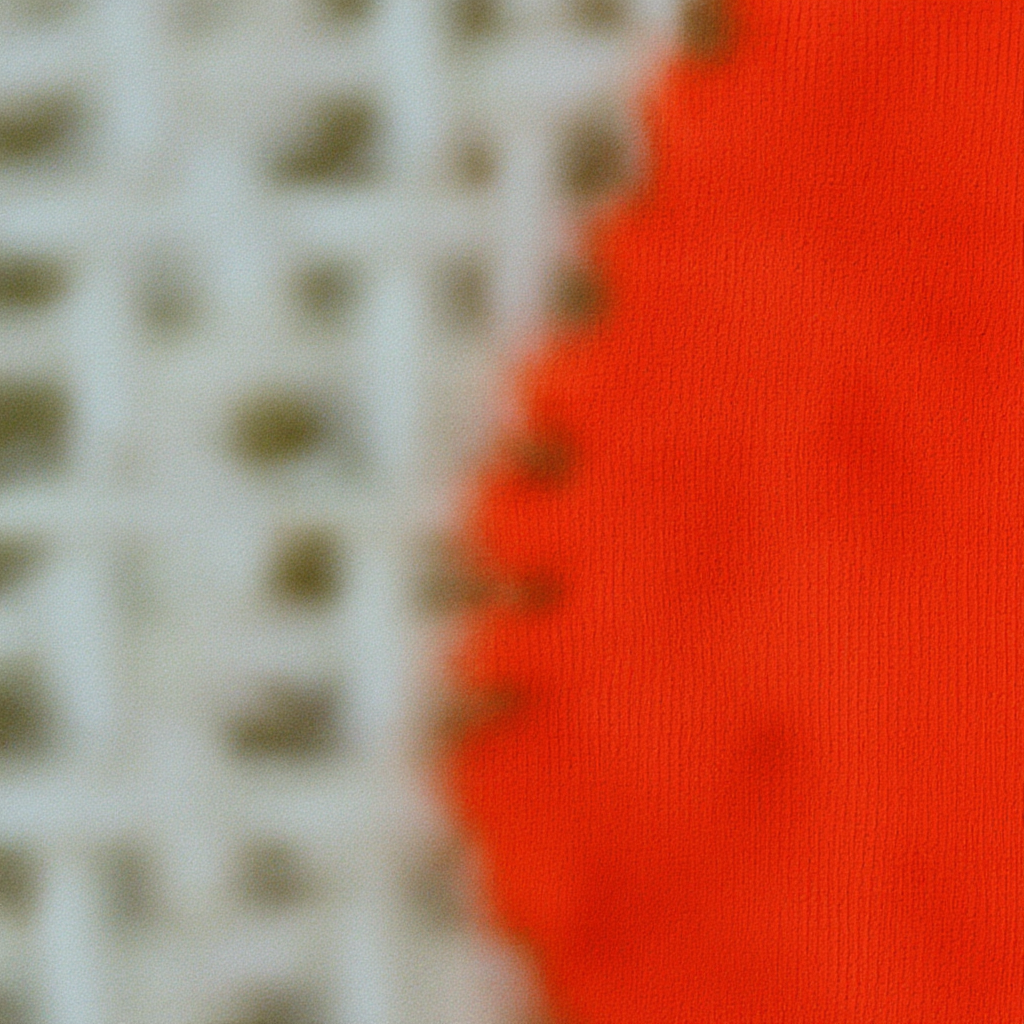
Bicubic enlargement
Bicubic creates a smooth, blurry enlargement. It does not pretend to restore missing fibres.
Lanczos enlargement
Lanczos is another fixed enlargement method. It also stays blurry, with slightly different edge treatment from Bicubic.
Lanczos stayed closer to the real photograph on five of the six measurements. MicroZoom won the one measurement that rewards added texture, but that score cannot tell whether the added texture is true.
The pictures show the main lesson: more detail is not always more accurate.
What happened at the second enlargement stage
MicroZoom can enlarge an image in more than one stage. We also trained and tested its second stage, which enlarges by 5x.
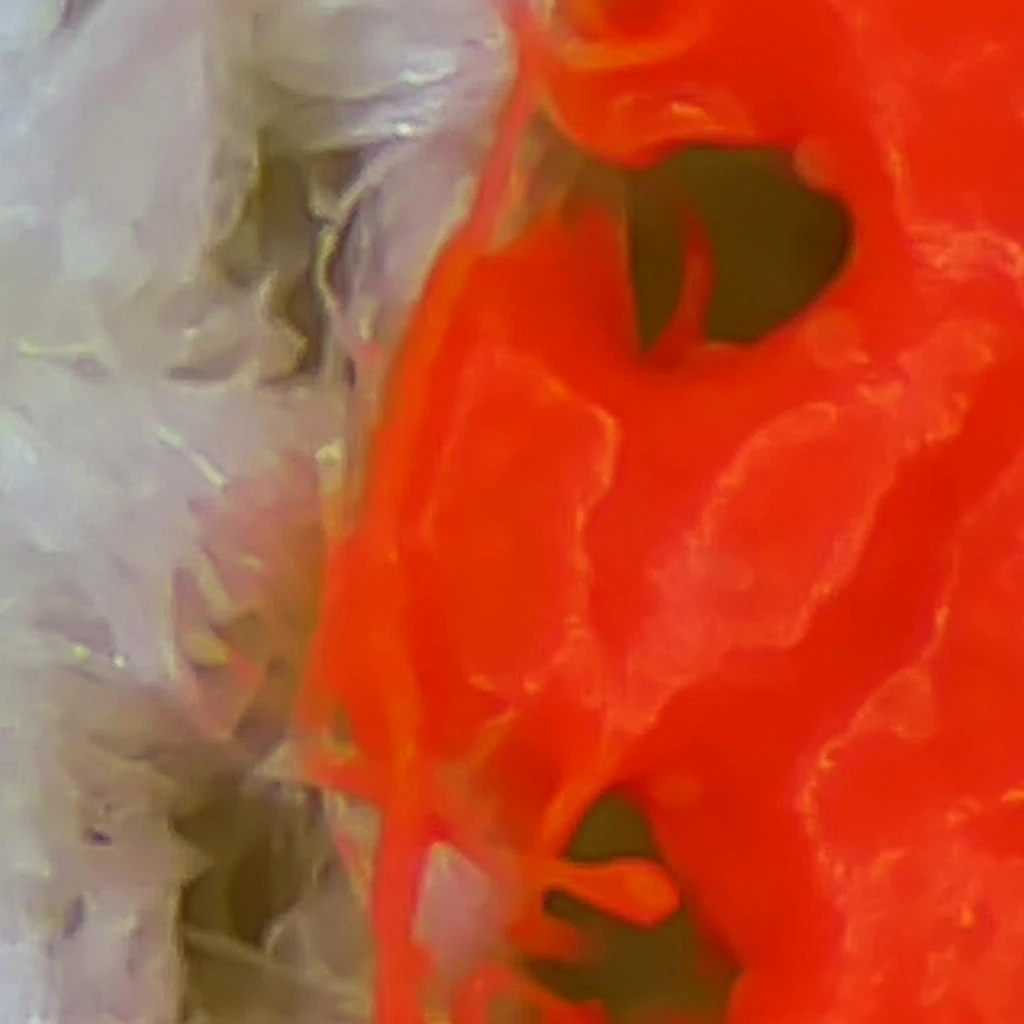
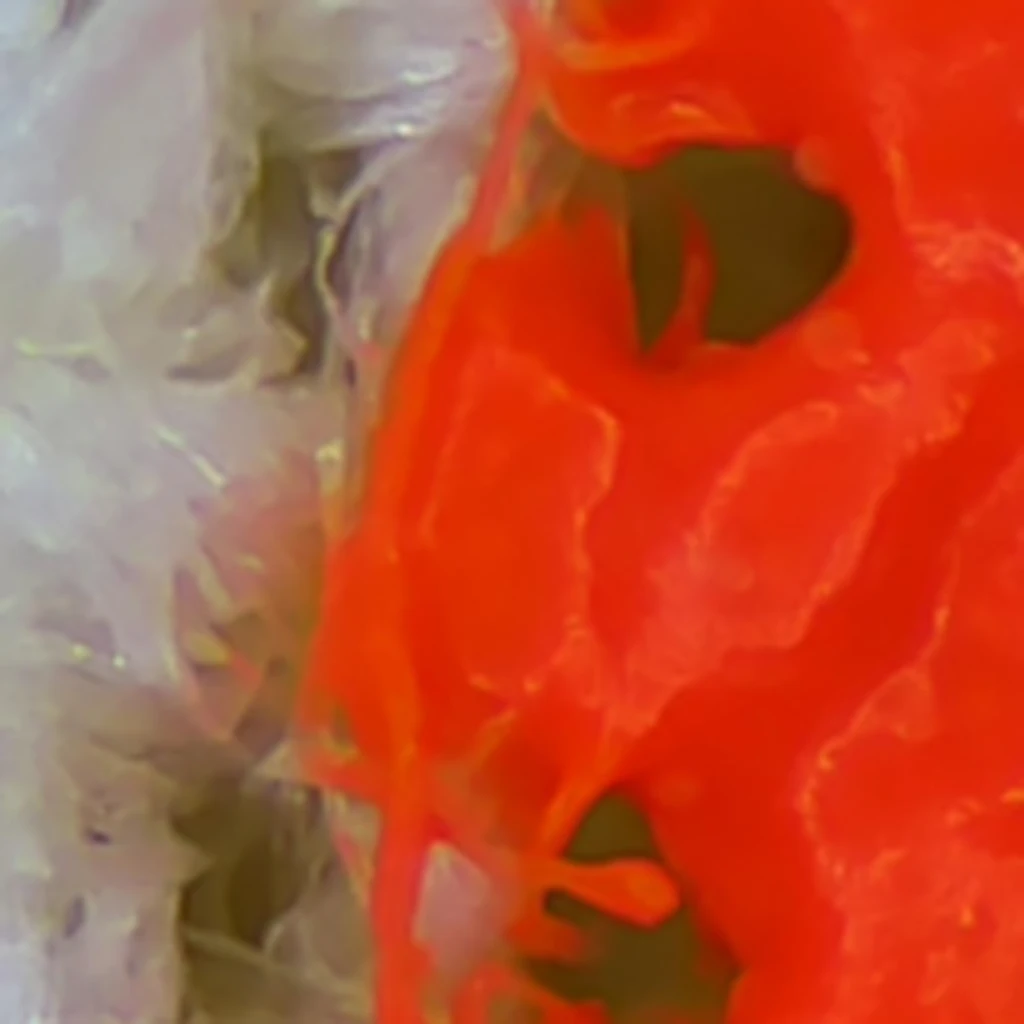
At this scale, the small source still contained most of the visible shape and colour. Lanczos preserved them. MicroZoom replaced parts of the surface with sharp, regular ridges that were not present in the real photograph.
| Real microscope target | Lanczos | Trained MicroZoom |
|---|---|---|
 |  |  |
| Method | PSNR | SSIM | DISTS | LPIPS | Frequency error |
|---|
A 24 GB GPU was just enough
The original MicroZoom setup calls for much larger professional GPUs. To use our RTX 3090 Ti, we stored the three largest frozen models in INT4, a compact number format. The small parts that needed to learn stayed in BF16, a format better suited to training.
The tested setup was:
| Part | Tested choice |
|---|---|
| GPU | One RTX 3090 Ti with 24 GB |
| Training image size | 1024 by 1024 pixels |
| Images processed together | One |
| Small trainable add-on | Rank 2 LoRA |
| Frozen model weights | INT4 |
| Trainable weights | BF16 |
The training run peaked at 23,194 MiB of GPU memory and left only 919 MiB free. This is enough for a controlled experiment, but not enough to share the GPU with another large model or training job.
Compression also did not make the model quick to start. Loading and converting the weights took most of the inference time. INT4 solved the memory problem in this test, not the waiting-time problem.
Did training help at all?
Yes, within a narrow test. A small rank-2 LoRA adapter trained for 30 steps beat the untrained MicroZoom model on all six measurements for one unseen centre crop. LoRA is a small set of extra weights that teaches the model about one object without changing the whole model.
Making that adapter larger did not help. A rank-4 version performed worse on all six measurements. Changing how the training time was divided between MicroZoom's two stages also made five of the six results worse.
The better rank-2 model still did not reproduce individual fibres, and it still lost overall to simple enlargement. Training made MicroZoom better than its own starting point. It did not make MicroZoom the best option.
Was one unlucky setting to blame?
To check, the same trained model was tested with five random starting seeds at 37.372x enlargement. It was also tested at five magnifications using its most favourable seed.
| Magnification | Measurements MicroZoom won against Lanczos |
|---|---|
| 2x | 0 of 6 |
| 4x | 0 of 6 |
| 8x | 2 of 6 |
| 16x | 3 of 6 |
| 37.372x | 3 of 6 |
No seed or scale reached the required four wins out of six. At 2x and 4x, Lanczos won every measurement. At larger scales, MicroZoom gained ground on scores that favour visible texture, but the images contained neat fabric patterns instead of the target's irregular fibres.
The comparison was also repeated in three overlapping parts of the microscope image and with three strengths for the map that guides the model. The balance of scores changed, but the overall result did not. The best versions won the three texture-focused measurements and lost the three measurements tied more closely to shape, pixels, and boundaries.
This is stronger than a one-image demonstration, but it is still one tote, one trained checkpoint, and one capture setup. A different object or a revised model could behave differently.
What the result means for a creative team
MicroZoom is interesting when the aim is to create a believable world inside an image. A fashion or product campaign might value that effect even when every thread is not physically exact.
It is less useful when faithfulness matters more than visual richness. In our tote test, a free and fast enlargement filter gave the safer result. It did not invent detail, needed no training, and used no large AI model.
The sensible next test is not another small variation on the same tote. It is a new object photographed specifically for MicroZoom, with several microscope views kept aside until the final comparison. That would show whether the result can transfer beyond this one dataset.
Until then, the evidence supports three practical conclusions:
- MicroZoom experiments can fit on a 24 GB consumer GPU with careful compression.
- The model can learn something about one object without producing faithful microscopic detail.
- A trained image model should beat a simple enlargement filter before it earns a larger and more expensive trial.
MicroZoom questions
What is MicroZoom?
MicroZoom creates a very large image from a normal photograph and a small set of microscope close-ups of the same object. It fills areas between those close-ups with newly generated texture. The result is meant to look plausible when viewed at extreme magnification, not to recover every microscopic detail exactly.
Can MicroZoom run on a 24 GB GPU?
Yes, in the setup tested here. Storing the largest frozen models in INT4 allowed inference and rank-2 LoRA training to run on one RTX 3090 Ti. The 1024 pixel training step peaked at 23,194 MiB, leaving little room for another GPU workload. Other graphics cards and software versions may behave differently.
Is MicroZoom better than Bicubic or Lanczos enlargement?
Not on the tote images in this experiment. MicroZoom made sharper-looking texture, but Bicubic and Lanczos stayed closer to the held-out microscope photographs. That result applies to this object, checkpoint, and capture setup. It does not establish which method will work best for every image.
Reproducing the experiment
The source-only compatibility port is available at
instavar/microzoom-int4. It
includes the code, fixed software versions, tests, result files, and the full
experiment record.
The MicroZoom source is MIT licensed, but the complete model stack is not. FLUX.1-dev and the Jasper ControlNet use the FLUX.1-dev Non-Commercial License. Their weights, our compressed copies, and our trained LoRA files are therefore not included. Anyone reproducing the work must obtain the restricted model files from their owners and accept their terms.